Chapter 1
Getting started
Rejoice! is a building-and-operations game where theology drives the architecture. You choose a faith and one of its eighty traditions (Christian, Jewish, Muslim, Buddhist, Hindu, Sikh, Jain, Shinto, or of Chinese religion), build or inherit a house of worship, and then run it week by week: its money, its staff and volunteers, its ministries, and the building itself. This chapter walks you from the title screen to your first gathering.
The game speaks your tradition's language. A gurdwara has a granthi, a darbar hall, and the Sunday diwan; a synagogue has a rabbi, a sanctuary, and Shabbat; an Islamic center has an imam, a prayer hall, and Jumu'ah; a Hindu temple has a head priest, a shrine hall, and darshan all day; a Zen center has a teacher and a zendo; a Shinto shrine has a chief priest, a haiden, and its open hours; a Baptist church has a pastor, a sanctuary, and a Sunday service. Where this guide means every tradition, it calls the place the house of worship (or the building), its people the congregation, whoever leads them the leader, the room they gather in the worship room, and the week's main gathering the main service; and it says so plainly when something belongs to one faith only, such as communion and baptism (Christian) or the minyan (Jewish). Screens are named as the game names them in a church (Church → Services); in yours the screen carries your tradition's own word: Synagogue → Services, Islamic center → Services, Gurdwara → Services, Shrine → Services. Faiths and traditions covers the traditions of every faith: what sets a parish, a synagogue, a mosque, a Buddhist or Hindu temple, a gurdwara, a Jain center, a shrine, a Chinese temple, or a Latter-day Saint ward apart, and how to play each.
The title screen
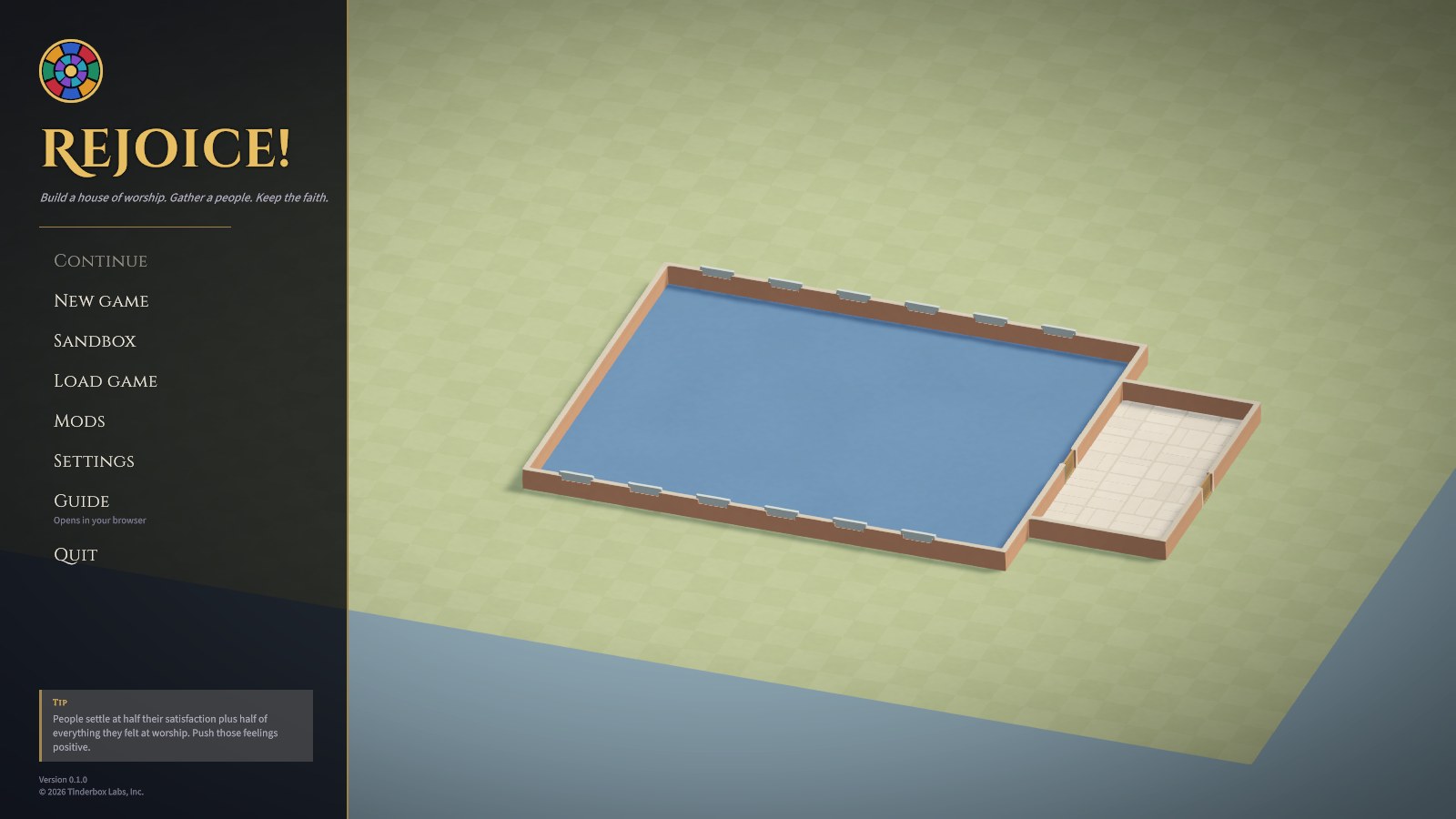
- Continue picks up your most recent save (or the monthly autosave).
- New game opens a window of the scenarios.
- Sandbox opens the sandbox's window: no goals, and any tradition, lot, and budget.
- Load game shows your saves, each with a thumbnail of the building as it was.
- Mods shows the mods and tradition packs you've installed and any problems in them, and is where you can found a tradition of your own (see Faiths and traditions).
- Settings has autosave, whether to watch every service, interface size, the display (a window, full screen, or on Windows exclusive full screen), which monitor where there are several, which graphics card on Windows (from the game's next start, with a button to restart it), visual effects, hints, sounds, and the music's volume.
- Guide opens this guide in your web browser.
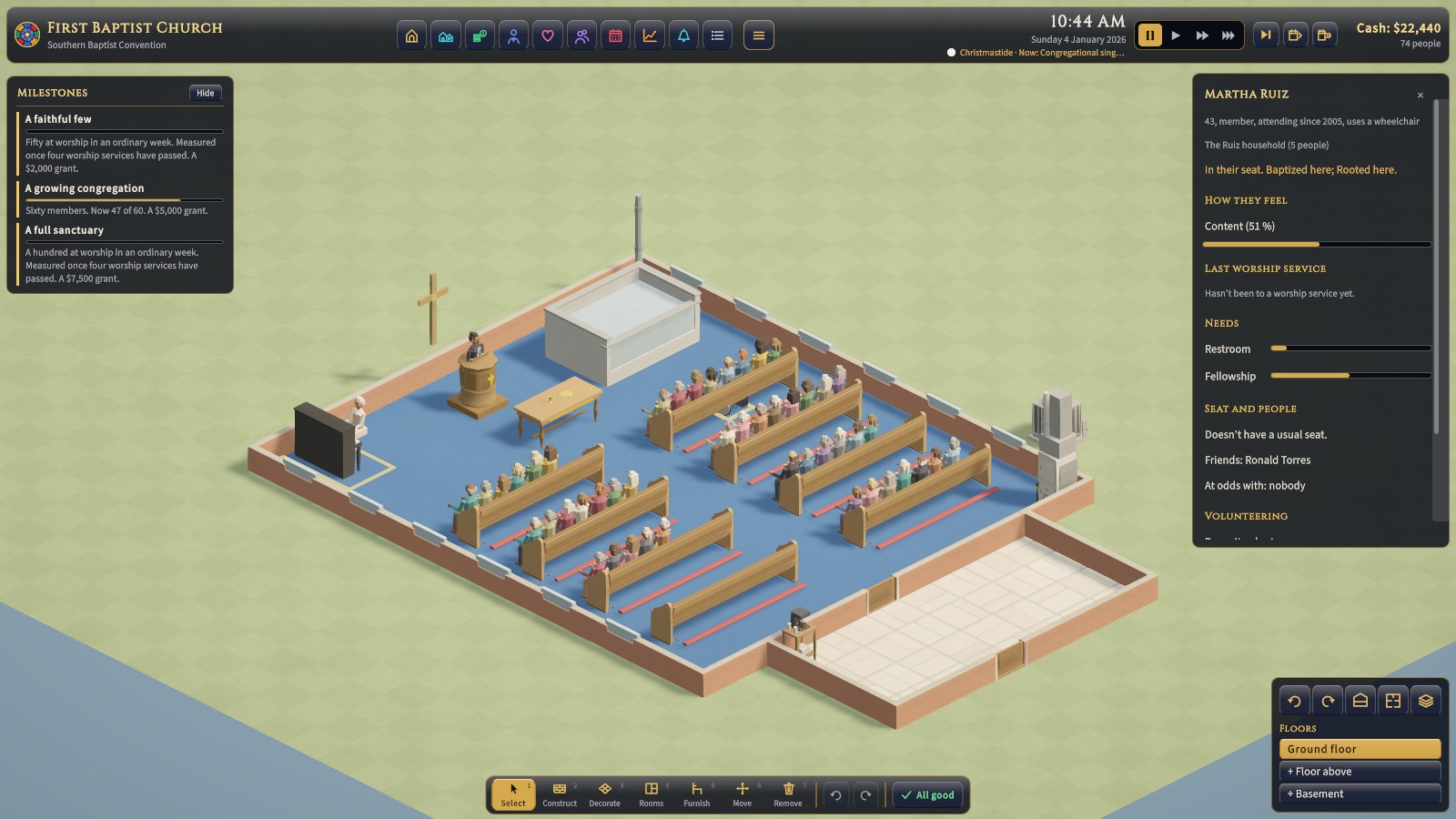
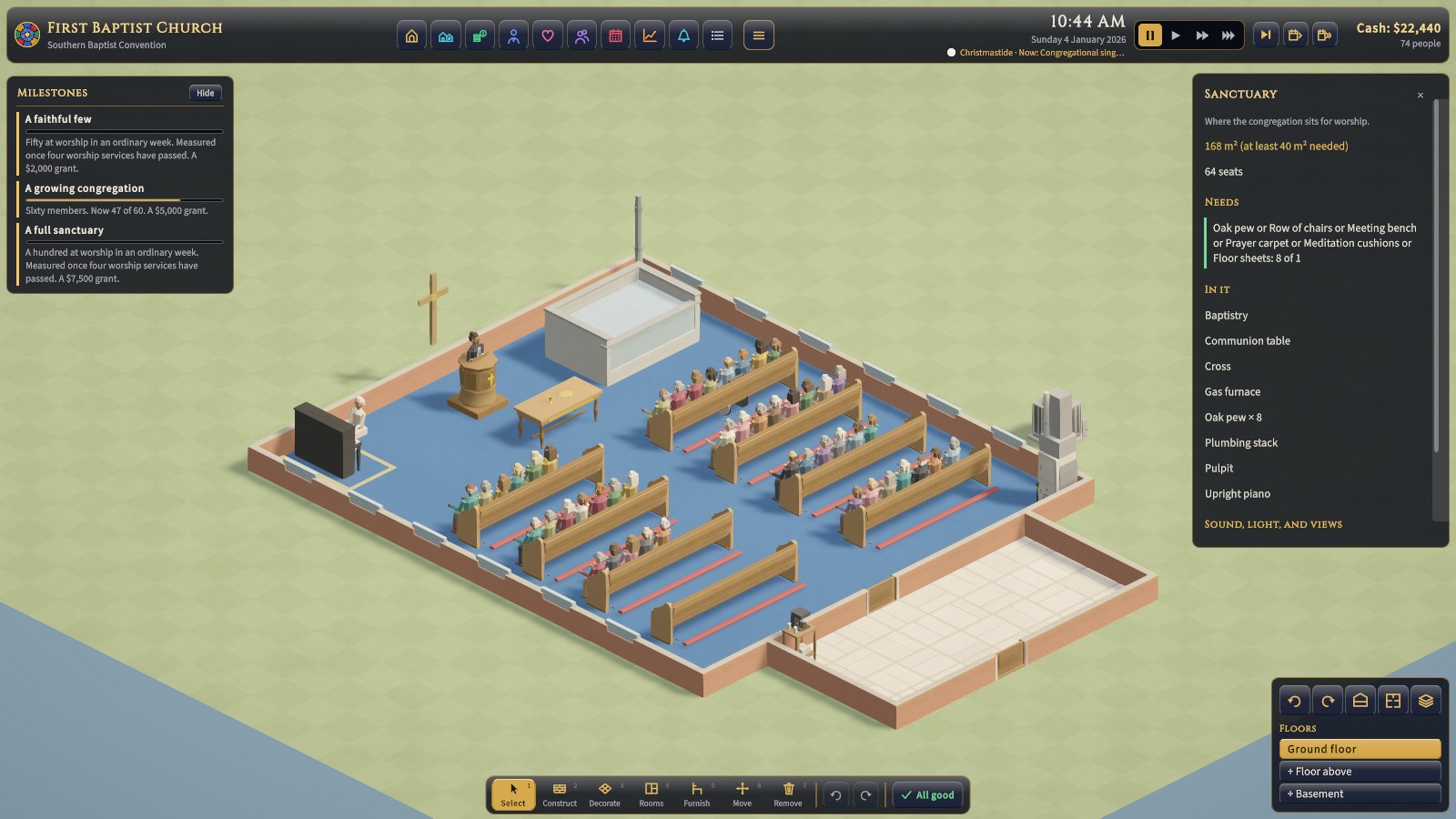
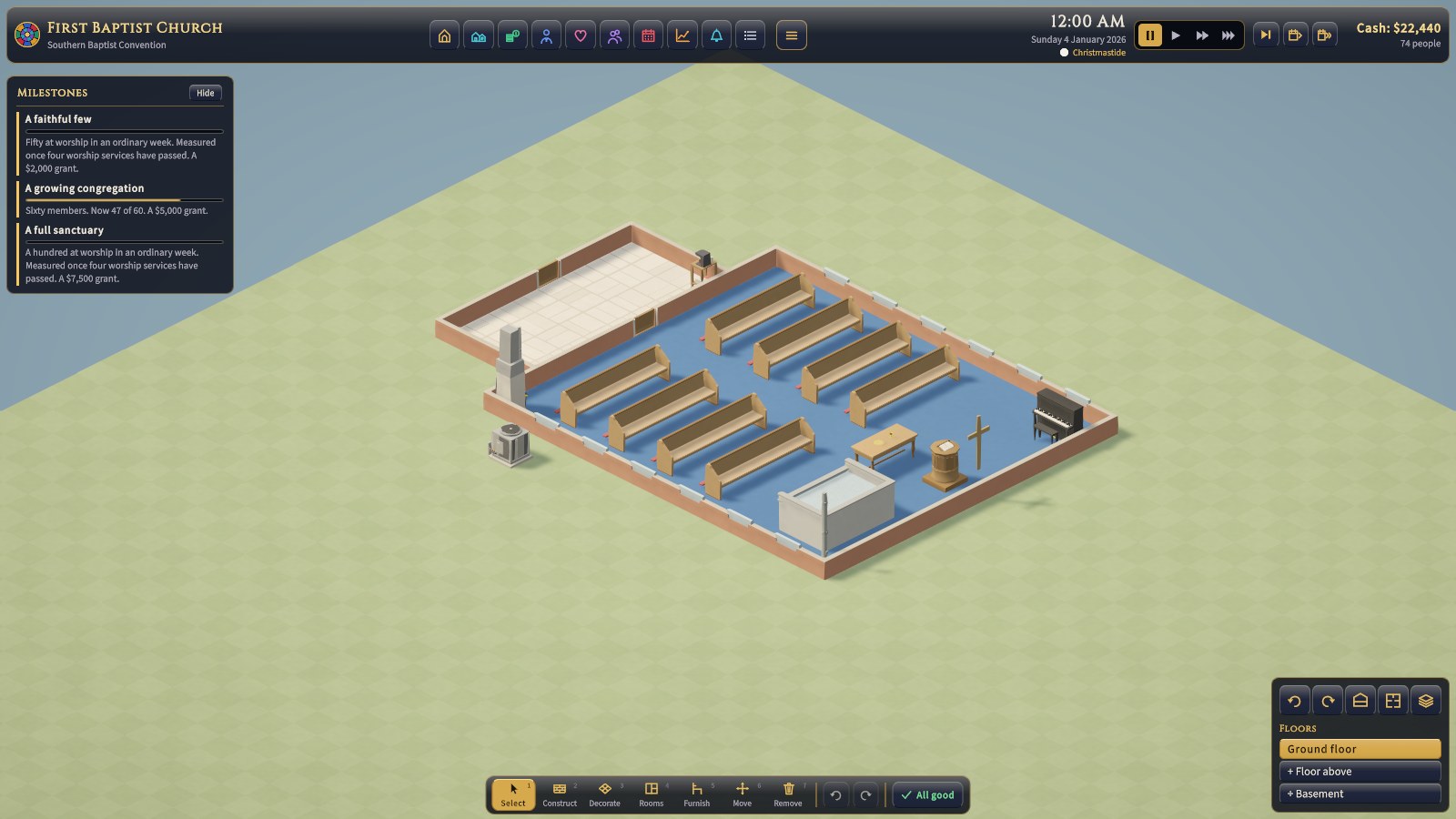
The building turning behind the menu is First Baptist Church, a small sample church: a nave of eight oak pews, a pulpit, a communion table, a baptistry, an upright piano, and about 70 people under a bivocational pastor. Many of the screenshots of the screens themselves were taken there, since every congregation's screens work alike; the pictures of buildings come from every faith, from a Gothic parish and a Conservative synagogue to an Islamic center, a Hindu temple, a gurdwara, a Jain derasar, a Shinto shrine, and a Chinese folk temple.
Starting a game
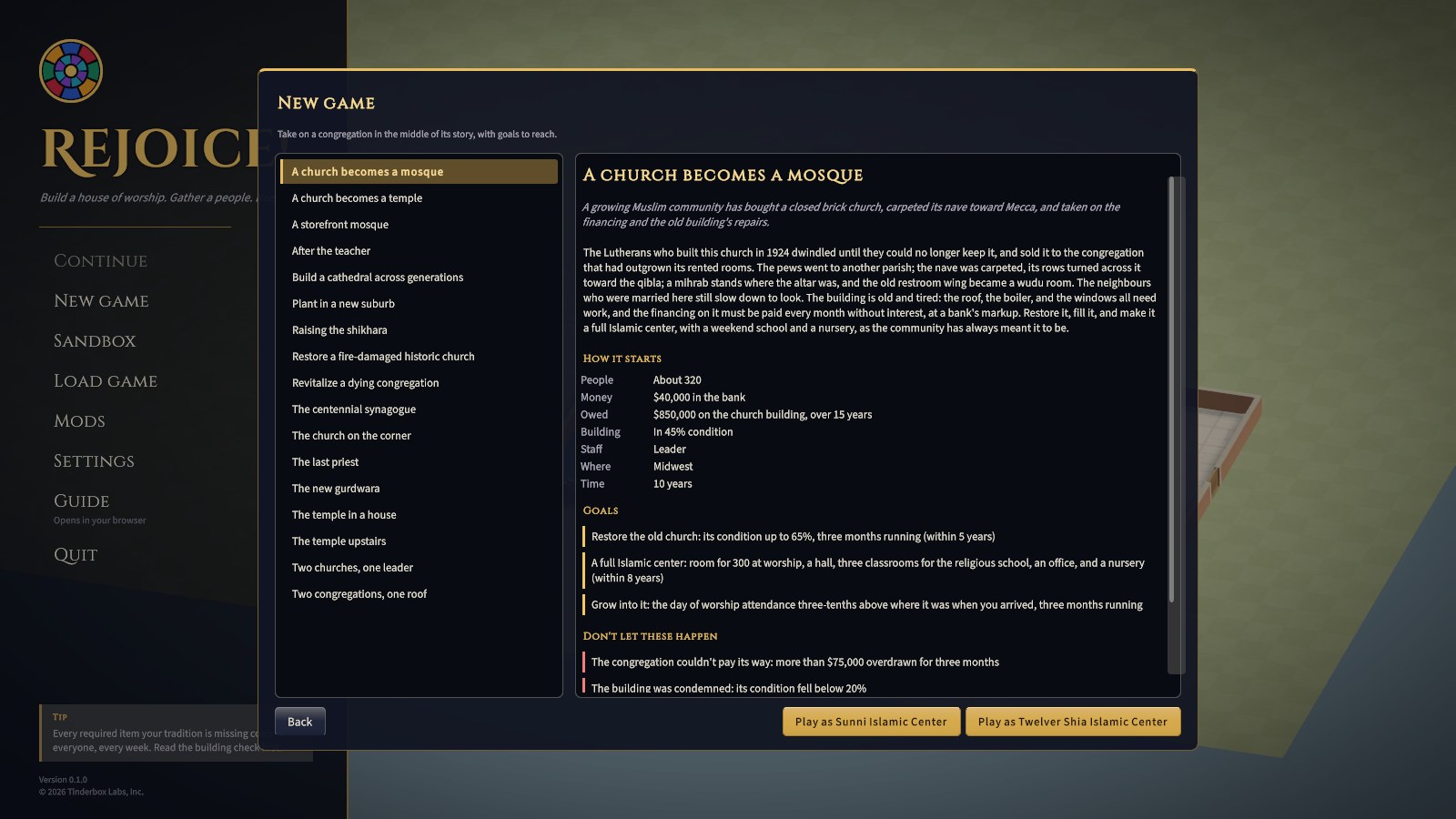
There are two ways to play: a scenario, from New game, or the sandbox, from Sandbox.
Scenarios
A scenario hands you a particular congregation in a particular situation, with goals to reach and failures to avoid. There are seventeen:
| Scenario | Traditions | The situation |
|---|---|---|
| Revitalize a dying congregation | Baptist, Catholic, Conservative Jewish, Shin Buddhist | About 120 people, mostly over 55, in a 1958 building built for twice that. The money runs out unless you act. |
| Plant in a new suburb | Baptist, Pentecostal, Adventist, Sunni, Zen | A core team of 25 in a rented storefront. Grow, then build a house of worship of your own before the grant runs out. |
| Restore a fire-damaged historic church | Catholic, Lutheran | A listed Gothic church whose nave is a burnt-out shell. Raise the money, restore it, and bring the people home. |
| Build a cathedral across generations | Catholic, Lutheran | Sixty years to raise a nave for 800, twelve stained-glass windows, a pipe organ, and a steeple. |
| A storefront mosque | Sunni, W. Deen Mohammed | About 220 praying in a rented storefront, Friday prayer spilling into the street. Build a mosque of your own, to the qibla, without interest. |
| The temple in a house | Vietnamese, Theravada | About 90 in a converted ranch house with a monk in the back bedroom. Build a proper temple before the neighbours run out of patience. |
| The centennial synagogue | Reform, Conservative | A 1926 sanctuary for 440, full on the High Holy Days and a few dozen on Shabbat. Restore it for its hundredth year and fill the seats. |
| Two congregations, one roof | Reform, Conservative | Two shrinking synagogues have merged into one building, with few friends across the old line. Make one congregation of them and keep the merger's promises. |
| A church becomes a mosque | Sunni, Shia | About 320 in a 1920s church they've bought and carpeted toward Mecca, with the financing to pay. Restore it, and make it a full Islamic center. |
| After the teacher | Zen, Tibetan | A dharma center whose founding teacher has resigned in disgrace. Call a teacher the sangha can trust, and bring back the ones who stayed away. |
| Two churches, one pastor | Methodist, Lutheran (Missouri Synod) | About 55 in an 1898 country church that shares its pastor, as new houses go up on the farms. Grow enough for a pastor of its own. |
| The church on the corner | AME, National Baptist | A listed Black church in a neighbourhood its members can no longer afford. Become a neighbour again, restore it, and grow. |
| A church becomes a temple | Hindu temple (South Indian, North Indian) | A closed Methodist church a Hindu community has bought, the pews still in it and one shrine at the front. Make it a temple, house the priests, and win over the street. |
| The new gurdwara | Gurdwara (Nanakshahi, SGPC calendars) | Half the sangat has walked out after a bitter election and bought a warehouse. Raise the Nishan Sahib, build a sachkhand, and keep langar going. |
| The last priest | Shinto shrine, Konko | An old Japanese shrine or church on Oahu whose priest of forty years is gone. Find a successor, restore the building, and keep the visitors coming. |
| The temple upstairs | Chinese folk temple (Chinatown association, Fujianese village) | An association's temple on the top floor of its building, its members ageing. Light the lamps again and bring the young back. |
| Raising the shikhara | Jain center (with Digambara) | Thirty years under a flat roof. Raise a carved stone shikhara over the derasar through the bolis and sponsorships of Paryushana. |
Full walkthroughs are in Scenario walkthroughs.
The sandbox
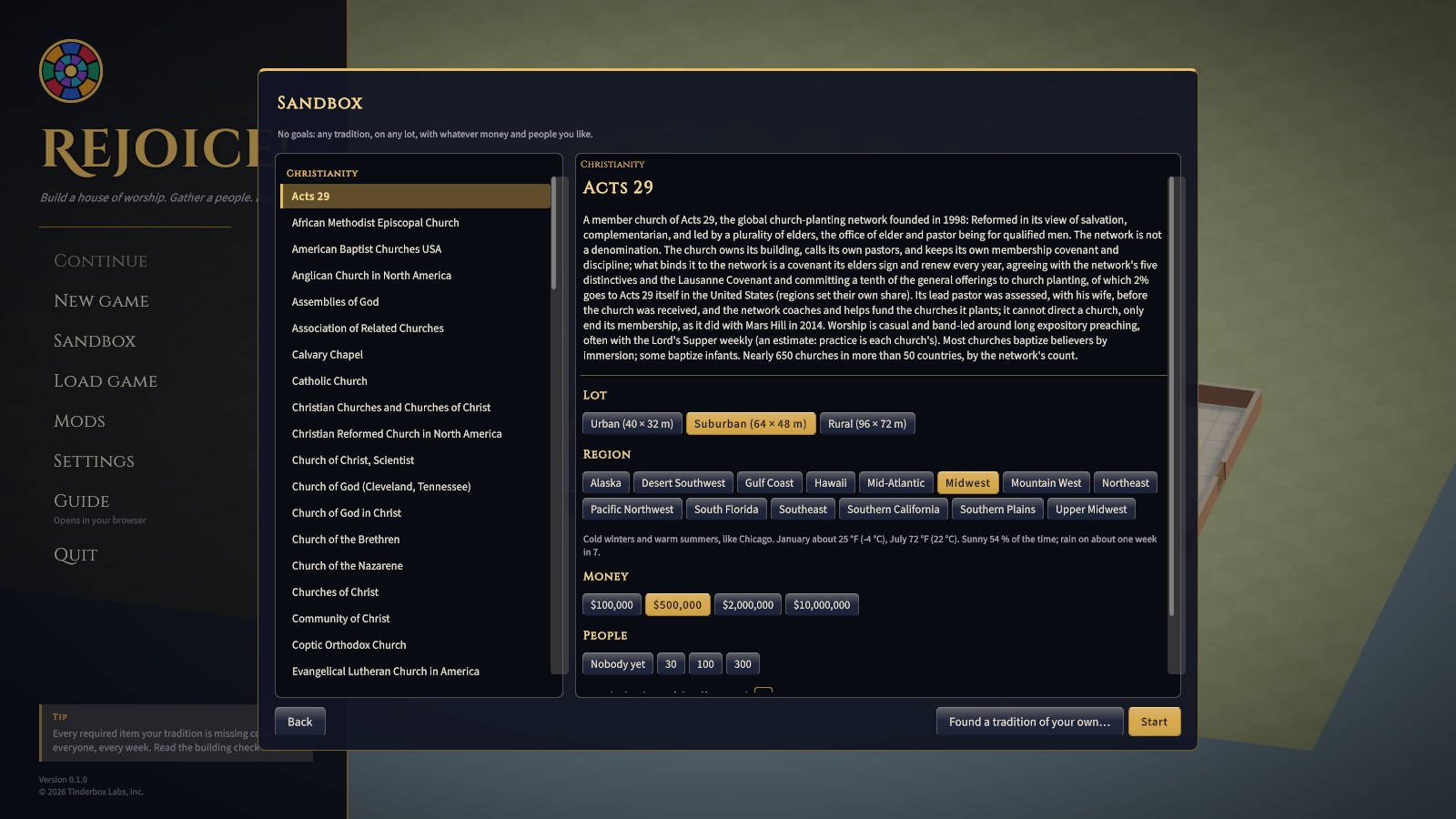
The sandbox gives you an empty lot with no goals. You choose:
- Tradition: choose one from the list on the left, where every tradition stands in alphabetical order under its faith (Christianity, Judaism, Islam, Buddhism, Hinduism, Sikhism, Jainism, Shinto, then Chinese religion); its whole description appears on the right. There are 80 in the game (44 Christian, the Latter-day Saints among them; 5 Jewish; 5 Muslim; 7 Buddhist; 10 Hindu; 1 Sikh; 2 Jain; 3 Shinto, Konko and Tenrikyo among them; 3 of Chinese religion), plus any installed from mods or founded by you.
- Lot: urban (40 × 32 m), suburban (64 × 48 m), or rural (96 × 72 m). See Rooms, materials, styles and lots.
- Region: where in America the house of worship stands. It sets the weather, the bills, and the sunshine, and, for a tradition that keeps time by the sun, its times (candle-lighting for Shabbat, the five prayer times and the way to the qibla, a gurdwara's Rehras at sunset, a Hindu or Jain festival's lunar day as it stands there).
- Money: $100,000, $500,000, $2 million, or $10 million to start.
- People: nobody yet (a true plant), 30, 100, or 300.
- Buy the land out of that: tick it, and the lot's price comes out of your starting money.
The books open at once, so building costs real money. But a sandbox congregation needs no approval for building work until it first passes the building check. After that, big work goes to whoever your tradition says decides (see Projects, approvals and conflict).
An empty lot with no tradition
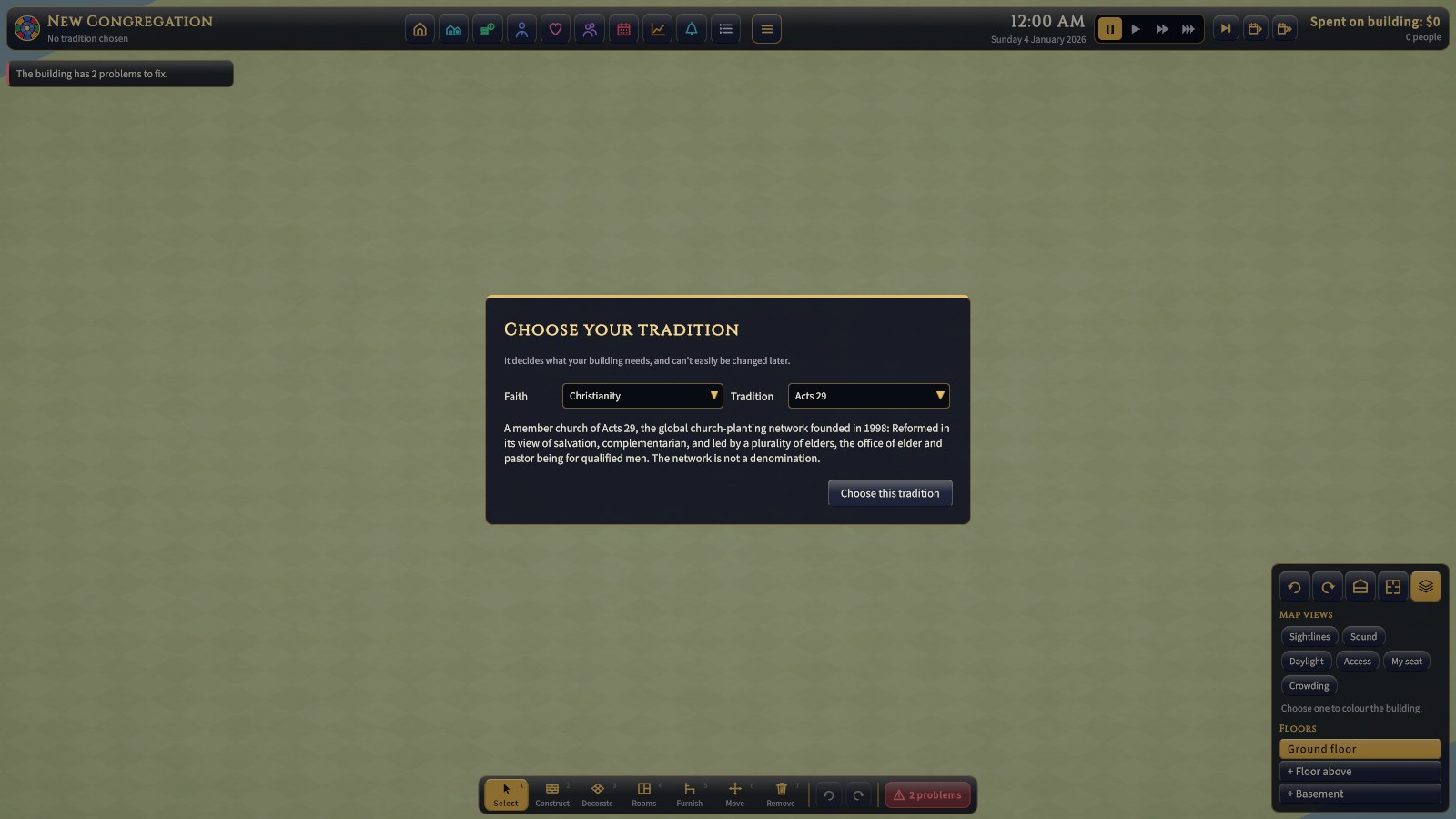
Whenever a congregation has no tradition chosen, the game asks for one before anything else: the faith first, then one of its traditions, each from a drop-down, with the opening lines of its description beneath and a Choose this tradition button. The choice is hard to undo: it decides which rooms and items are required, who approves projects, what the congregation expects of worship, the week's services, the words the game uses, and which items the build tray offers.
The screen, piece by piece
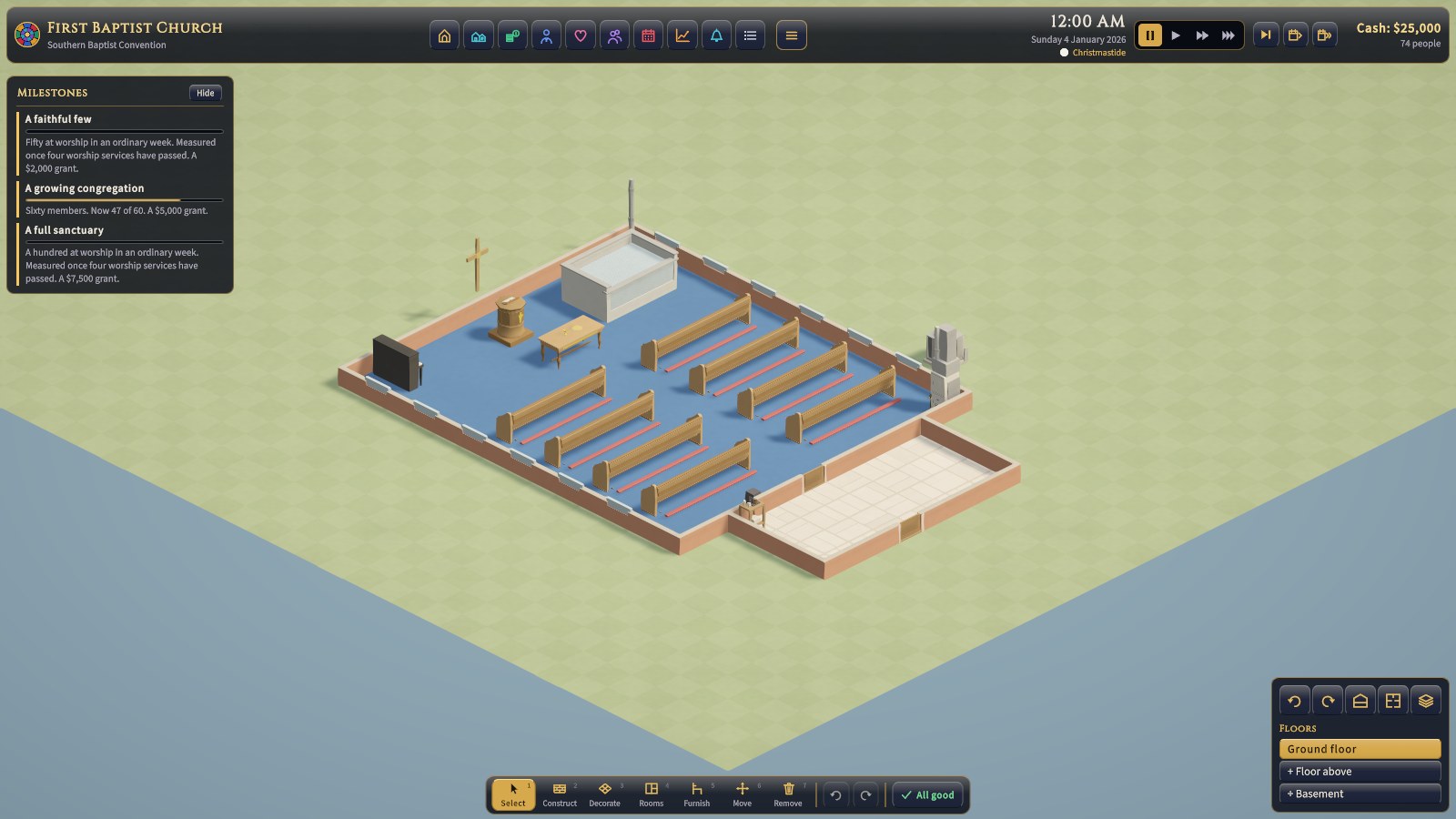
The interface sits round the edges of the screen, in panes of dark glass edged in gold, so the building in the middle stays in view. Rest the pointer on anything (a tile, a button, a card, an item in the building) and a tip appears beside it saying what it is; where a tip has a name, the name comes first, in gold.
The top bar
The bar across the top always stays on one row. From left to right:
- The game's rose window, then the congregation's name and tradition.
- A row of tiles, one for each screen. Each tile is a picture in its own colour of glass. Rest on it for its name; click it to open the screen; click it again (or press Esc, or the × at the screen's top right) to close it. The tile of the open screen is lit, and the screen carries the same picture and colour along its top edge, so you always know where you are. Only one screen is open at a time, and the clock waits while one is.
- The clock: the time, the date, and below them the day in your tradition's year (a feast or a season), with its liturgical colour in a small swatch where the tradition keeps colours (only the Christian church year does). While a service is on, it also says what's happening and where: Now: Kirtan by the ragis, from the kirtan stage at a gurdwara, Now: Khutbah (in two parts), from the minbar at a mosque, Now: Sermon, from the pulpit in a Baptist church.
- Pause and the three speeds, set into the bar. Pause is lit gold whenever time is stopped, for whatever reason (see How time passes).
- Three skip tiles: Next service (a play mark with a bar), Skip a month (a calendar page and one arrow), and Skip a year (a calendar page and two arrows).
- The cash (red when you're overdrawn), how many people the congregation has, and how many came at the last service. In a sandbox with the books closed, it shows what you've spent on building instead.
| Tile | Colour | What it opens | Chapter |
|---|---|---|---|
| Church (a gabled building with an arched door; it and its screen take your tradition's word: Parish, Synagogue, Islamic center, Temple, Mandir, Gurdwara, Jain center, Shrine) | Gold | Goals; the house of worship itself (name, style, orientation, access, comfort, growth, lot, climate); Worship; Services; Projects; Beliefs; the Tradition | 4, 7, 11, 13 |
| Community (houses) | Aquamarine | Ministries, rentals, weddings and funerals, fundraising, and evangelism | 12 |
| Finances (coins) | Emerald | Overview, Monthly, Weekly, and Budget | 8, 9 |
| Staff (a figure with a badge on a lanyard) | Sapphire | Who's on the staff (the pastor, rabbi, imam, granthi, head priest, or teacher, and everyone else), hiring, pay, and training | 10 |
| Volunteers (a heart) | Rose | Greeters, ushers, nursery workers, musicians, A/V techs, cooks for a free meal such as langar, the worship helpers your tradition has (altar servers, a choir, Tenrikyo's instrument players), and how worn out they are | 10 |
| People (two people) | Amethyst | Everyone who comes, how happy they are, and the services they come to | 3 |
| Calendar (a calendar page) | Ruby | The month: services, feasts and seasons, gatherings, the school (Sunday school, Hebrew school, a weekend Islamic school, Dharma School, Bal Vihar, a Punjabi school, pathshala), and occasions | 7 |
| Reports (a rising line) | Topaz | Attendance, giving, and engagement over time, and each year in review | 3, 8 |
| Last service (a bell; "Last Jumu'ah", "Last diwan", or "Last Mass" in the tradition's words) | Aquamarine | The service report, bottom left: who came, when they sat down, who stood | 2 |
| Event log (a list) | Silver | Every message this game, newest first, with when it happened | 15 |
| Menu (three lines) | Gold | Resume, save, load, settings, main menu, quit (also Esc) |
On a narrow window, or with a large interface size, the bar makes room rather than wrapping. First the tiles close up. Then they shrink, the date is shortened, and the tradition, the day in its year, and the head count are left out (they're all still on their screens). If even that won't fit, the whole bar is drawn a little smaller.
Down the left: alerts and goals
Alerts name what needs seeing to: a building problem, the money, short-handed rotas, a vote or decision coming. Each is edged in how urgent it is (red to fix, amber to watch, blue to know), and clicking one opens what fixes it. Below them are a scenario's goals, or in the sandbox the next milestones, each with a bar showing how near it is: edged amber while it's open, green once it's met, red if it's been missed. Hide folds them away.
Along the bottom: the build bar
The building tools, numbered 1 to 7 for the keyboard: Select, Construct (walls, doors, windows), Decorate (floors and wall finishes), Rooms, Furnish, Move, and Remove. The chosen tool is lit gold. Construct, Decorate, Rooms, and Furnish open a tray of cards above the bar, in tabs, each with a picture, a name, and a price (in red, and faded, when you can't afford it). Rest on a card for what it does and how it compares with what's already in the building. Then come undo and redo, and the building check. All of these are covered in Building your house of worship. When room is short (a large interface size on a small screen), the bar and its tray move left to stay clear of the view controls, and the tools close up to their pictures: rest on one for its name.
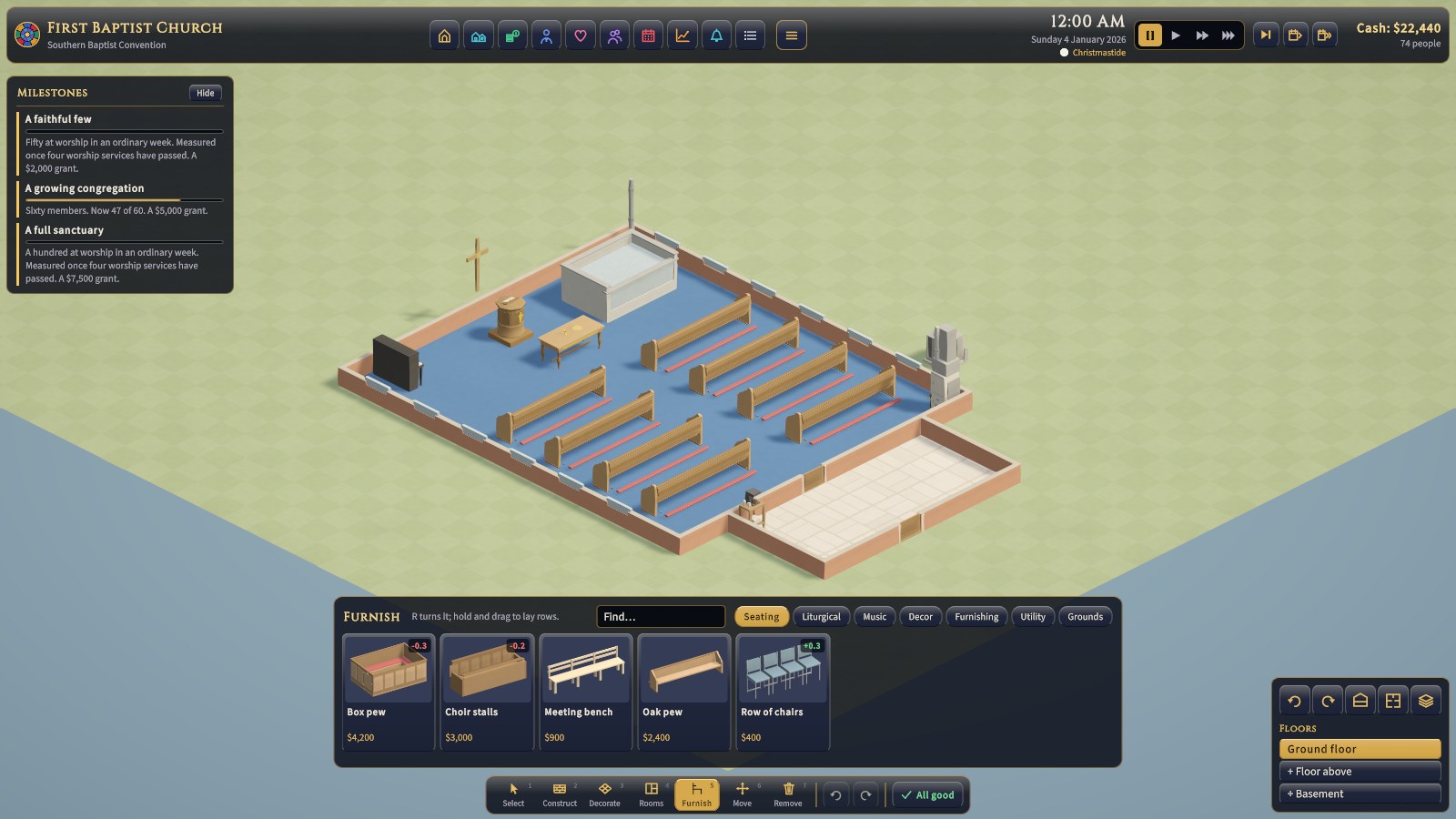
The building check is the last button on the bar: a green tick and "All good" when nothing is missing, or how many problems there are, on red (problems) or amber (notes only). Click it for the list of everything the building still lacks, most serious first. Red bars are problems: a missing worship room (the nave or sanctuary, prayer hall, shrine hall, darbar hall, derasar, haiden, or main hall) or entrance hall (the narthex in a Christian tradition), or something your tradition requires. Amber bars are notes: things expected, or worth knowing (such as an upper floor with no lift).
Messages
News appears above the build bar, edged like the alerts: red for something to see to, gold for news, green for good news. Routine news fades after a few seconds. Anything important (a problem, a decision on a project, a conflict) has a gold rim and stays, and the clock waits, until you dismiss it with its ×. Clicking a message opens the screen it's about. Every message, faded or not, is kept in the Event log.
When you build or remove something, the money spent rises in red from the spot (or the money back, in green).
Bottom right: the view controls
Five buttons along the top of the panel:
- Turn left and turn right, a quarter turn each (Q and E). Turn to see behind tall things like organs and screens.
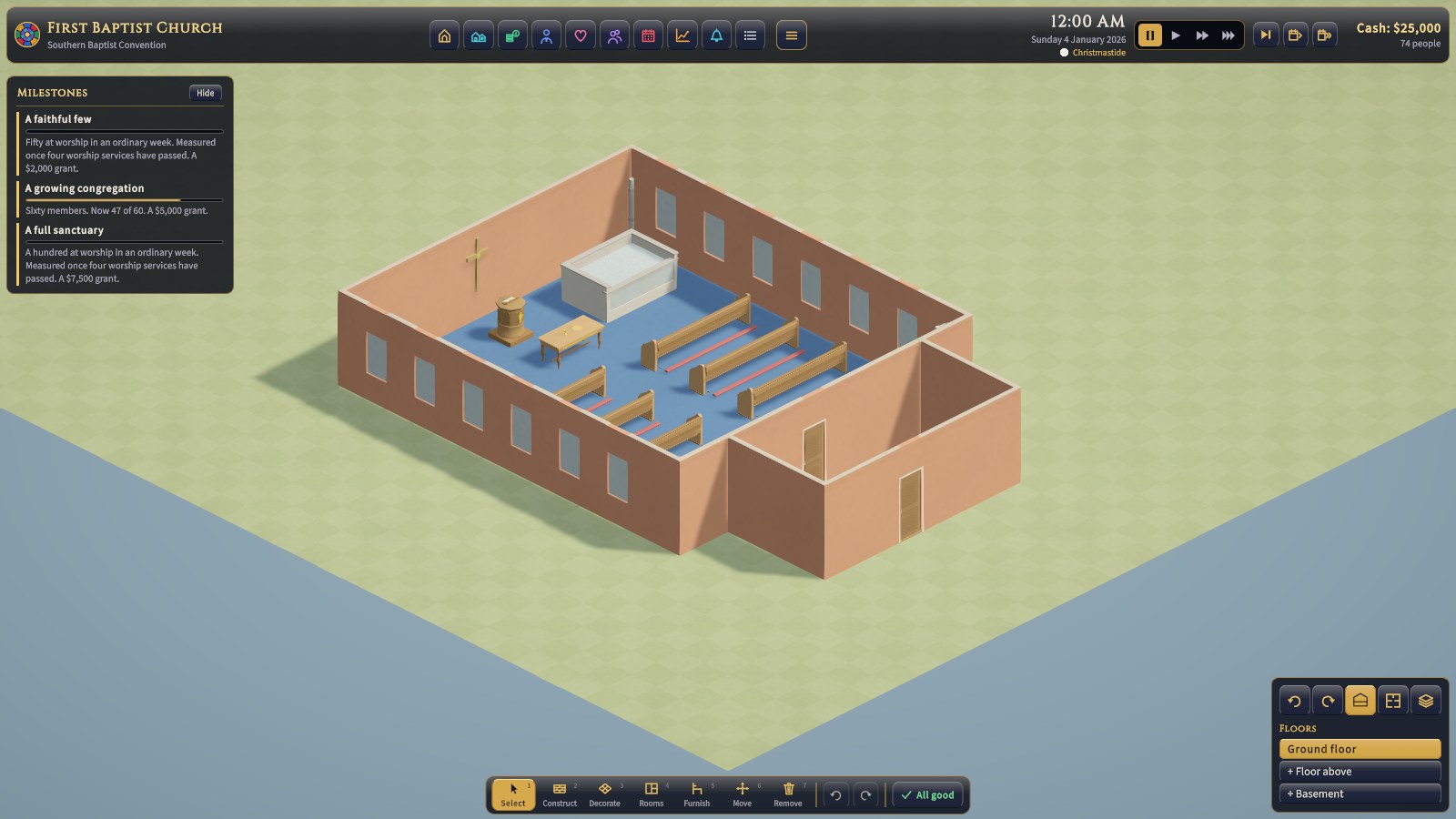
- Walls (V) steps through full height, cut away round the pointer, and cut away everywhere. The button is lit while the walls stand.
- Plan view (P, the floor plan) looks straight down on the building, north up, with the walls cut away and every room named and measured. It's the way to lay out a floor above: see Building your house of worship. P again goes back to the usual view.
- Map views (the stacked layers) opens the list of map views, below.
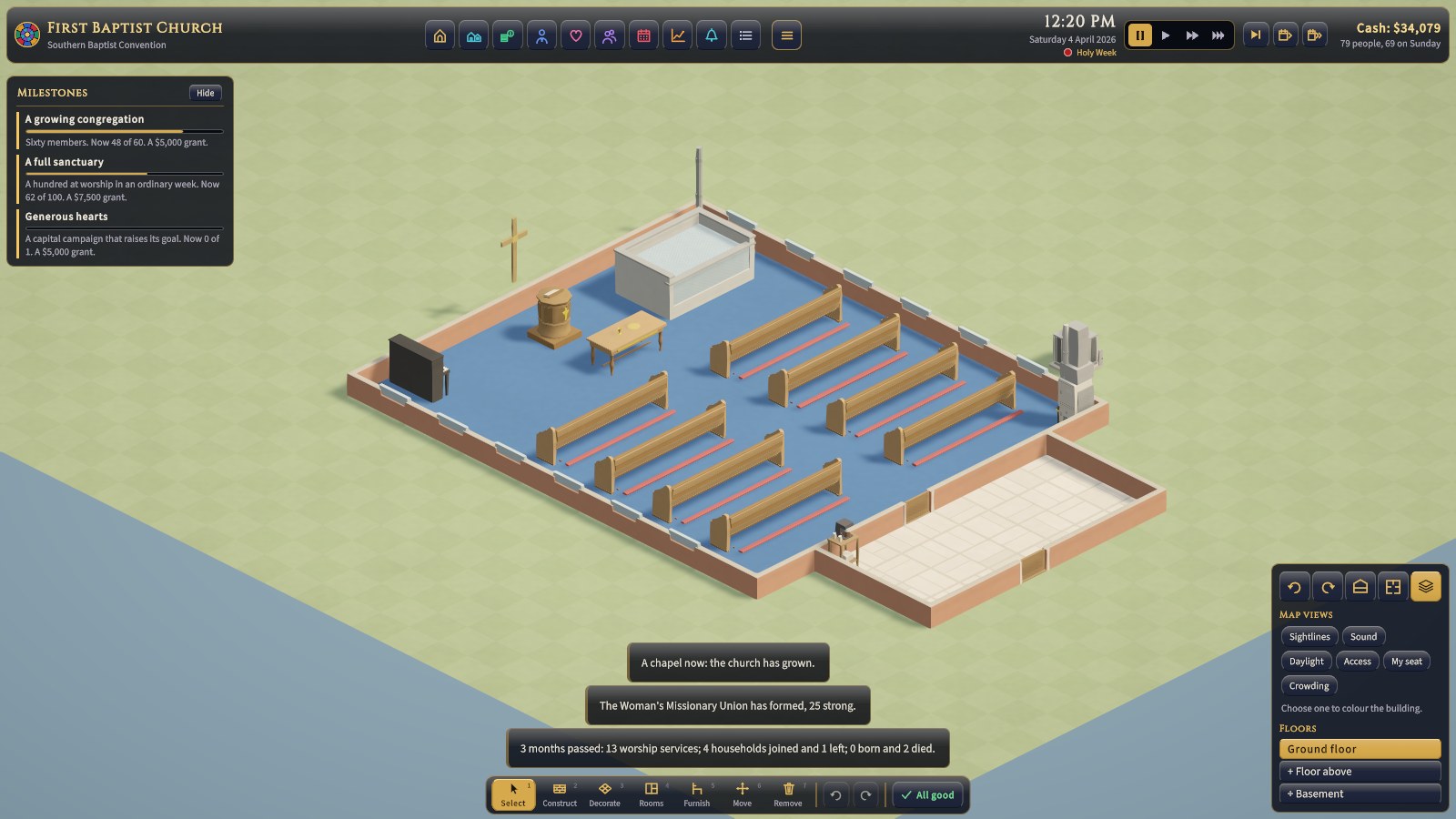
Under them is Floors: the floors of the building, with the one you're looking at lit, and + Floor above and + Basement to add more (see Building your house of worship).
Map views: sightlines, sound, light, access, seats, and crowding
The map views colour the building to show how it works. Click Map views at the bottom right, then one of the six; its legend appears beneath, saying what its colours mean. One shows at a time: click another to switch, or the same one again to turn it off.
| View | What it colours | Which floor | More |
|---|---|---|---|
| Sightlines | Each seat by its view of the front of its worship room (the ark and bimah; the mihrab and minbar; the palki; the murti shrines or the jin shrine; the Buddha image or the onaijin altar; the kami altar; the deity altar; the pulpit, altar, table, and font): green clear, through yellow, to red blocked. A seat is blocked when a pillar, an organ, or a screen stands in the way. | The floor you're looking at, so a balcony's seats show on the balcony | 4 |
| Sound | Each room by how its echo suits your tradition's music: green suits it, red fights it. Organs and choirs want a ringing room; bands a dry one; a tradition with neither (a mosque, a gurdwara, a shrine, most Buddhist temples) wants a room in between, where a voice reciting or chanting carries without blurring. | Ground floor | 4 |
| Daylight | How much light the windows let in: bright yellow sunny, dark blue gloomy. South-facing windows let in the most. | Ground floor | 4 |
| Access | The way in from the street to the seats: green has no steps; red has steps a wheelchair can't climb (add a ramp). | Ground floor | 4 |
| My seat | The seats regulars think of as theirs (a pew, a row of chairs, a row of prayer carpet, cushions, or floor sheets): the deeper the gold, the more of them. Visitors who sit there cause friction. | Any floor | 2 |
| Crowding | Where people have walked since you turned it on: green where they pass freely, red where they bunch up. Turn it on before people arrive and leave it on; red at a door or in an aisle is a bottleneck that wider doors and aisles fix. | Any floor | 4 |
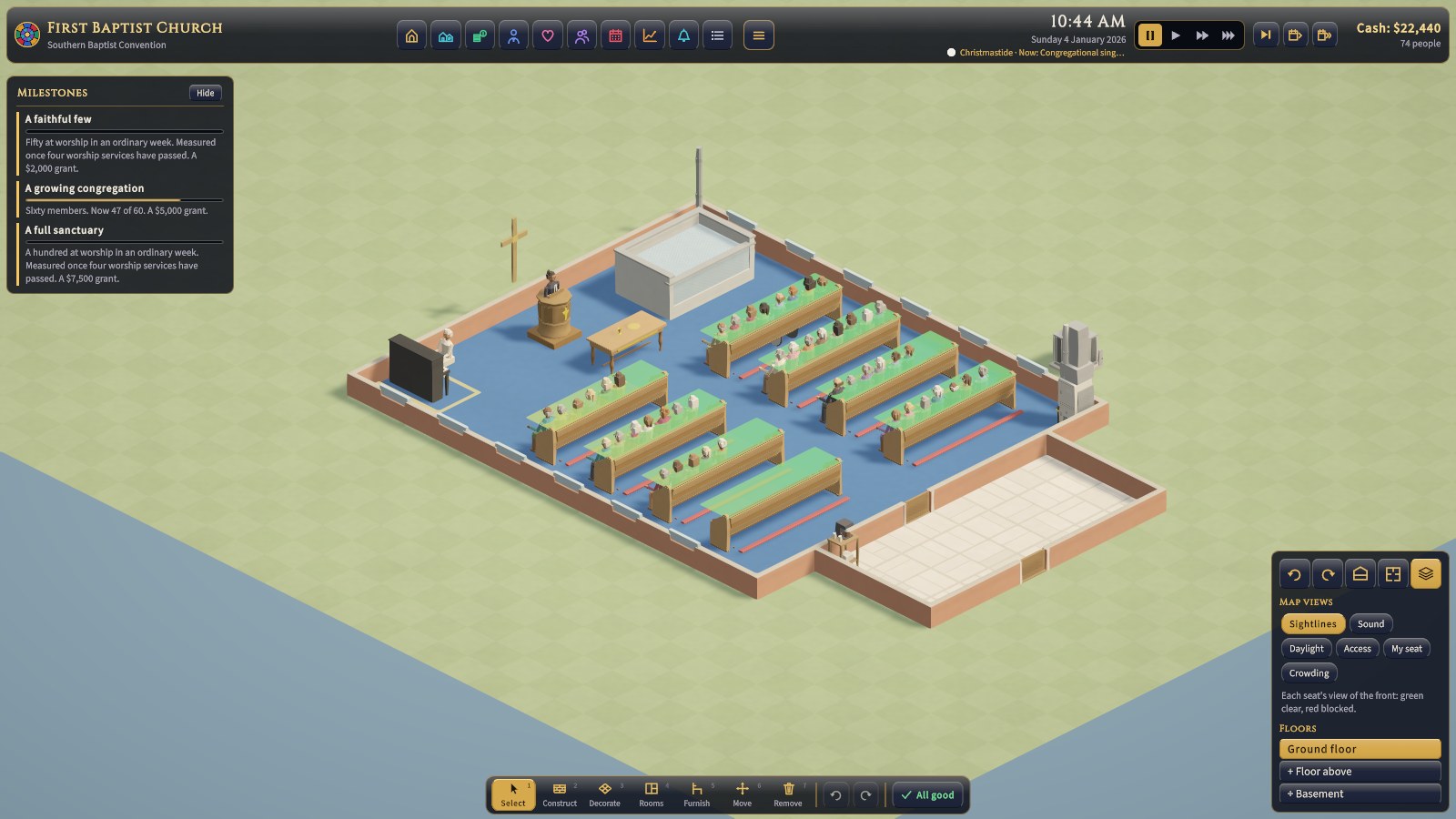
The map views show the picture; the room inspector gives the numbers. Click a room with Select and read Sound, light, and views: its reverb and whether it suits your music, its daylight, and how many of its seats have a poor view of the front.
Inspecting people and rooms
With Select, click a person to open their inspector on the right: who they are and what they're doing, their needs, how satisfied they are and every reason why, and their roles, with buttons to ask them to serve. Click a room for the room inspector: its area and seats, what it needs and has, its problems, and its sound, light, and views. The × (or Esc) closes either.
Dialogs
Some things need an answer: the sermon (or khutbah, d'var Torah, dharma talk, katha, pravachan) before each service that has one, a decision (a leaking roof, a request for a wedding), the year in review each January, and a new congregation's choice of tradition. They open in the middle of the screen, crowned in gold, and the clock waits until you answer.
How time passes
Rejoice! paces itself around worship. Between services, time jumps ahead to half an hour before the next one. It then runs at a minute of game time per real second until half an hour after the service ends, so you can watch everyone arrive, worship, and go home.
Short daily services (a mosque's five daily prayers, a synagogue's weekday minyan, a Hindu temple's aratis, a gurdwara's dawn and sunset prayers, dawn zazen, Tenrikyo's morning and evening services) are held in full but pass quickly: the service and the ten minutes either side run at 20 game minutes a second. Open hours (a temple's darshan, a gurdwara's open doors, a shrine's or a folk temple's visitors) pass at 60 game minutes a second. Turn on Watch every service in Settings to see them all at a minute a second too. The main gatherings (Jumu'ah, Shabbat, the Sunday diwan, Sunday worship, a temple's Sunday puja or sabha) are always watched.
- New and loaded games start paused. Press Space or click a speed to start the clock.
- The speeds set how fast services play: a minute, two minutes, or four minutes a second (+ and − step between them). The rest of the week is still jumped over.
- Time also waits by itself: while you have a building tool (anything but Select) chosen, while a management screen, menu, or dialog is open, and while an important message (a problem, a decision on a project, a conflict) waits at the bottom of the screen to be read. Routine news fades by itself.
- Next service runs on to half an hour before the next service, past the rest of this one.
- Skip a month and Skip a year fast-forward at once and finish with one summary of what happened.
Half an hour before each service that has a sermon (a homily, a d'var Torah, a khutbah, a dharma talk, a katha), the game pauses to ask what it will be about. Your choice can lift or trouble the congregation. A shrine and a folk temple have none to choose. See Worship and the year.
Controls
| Action | Keys and mouse |
|---|---|
| Pan the view | WASD or the arrow keys, middle-drag, or push the mouse to the edge of the screen |
| Zoom | Scroll wheel (it zooms toward the cursor) |
| Turn the view | Q / E, or the turn buttons in the view controls (a quarter turn each) |
| Walls | V, or the walls button in the view controls: full height, cut away round the pointer, or cut away |
| Plan view | P, or the plan button in the view controls: straight down, north up, rooms named |
| Build | The build bar, or 1 to 7; pick a card from the tray, then click or drag. Right-click or Esc cancels. |
| Turn an item | R |
| Move an item | Move tool: click it to pick it up, click where it goes. Esc puts it back. |
| Undo / redo | Ctrl+Z / Ctrl+Y |
| Pause and speed | Space, or Pause by the clock; + and −, or the play buttons, for the speed |
| Inspect | Click a person or a room. Point at an item, or rest on a button or card, for what it is. |
| Step back / menu | Esc closes a selection or screen, then opens the menu |
| Cheat console | Alt+C, not in scenarios (see Sandbox, cheats and quick reference) |
| Full screen | Alt+Enter |
Menus, saving and settings
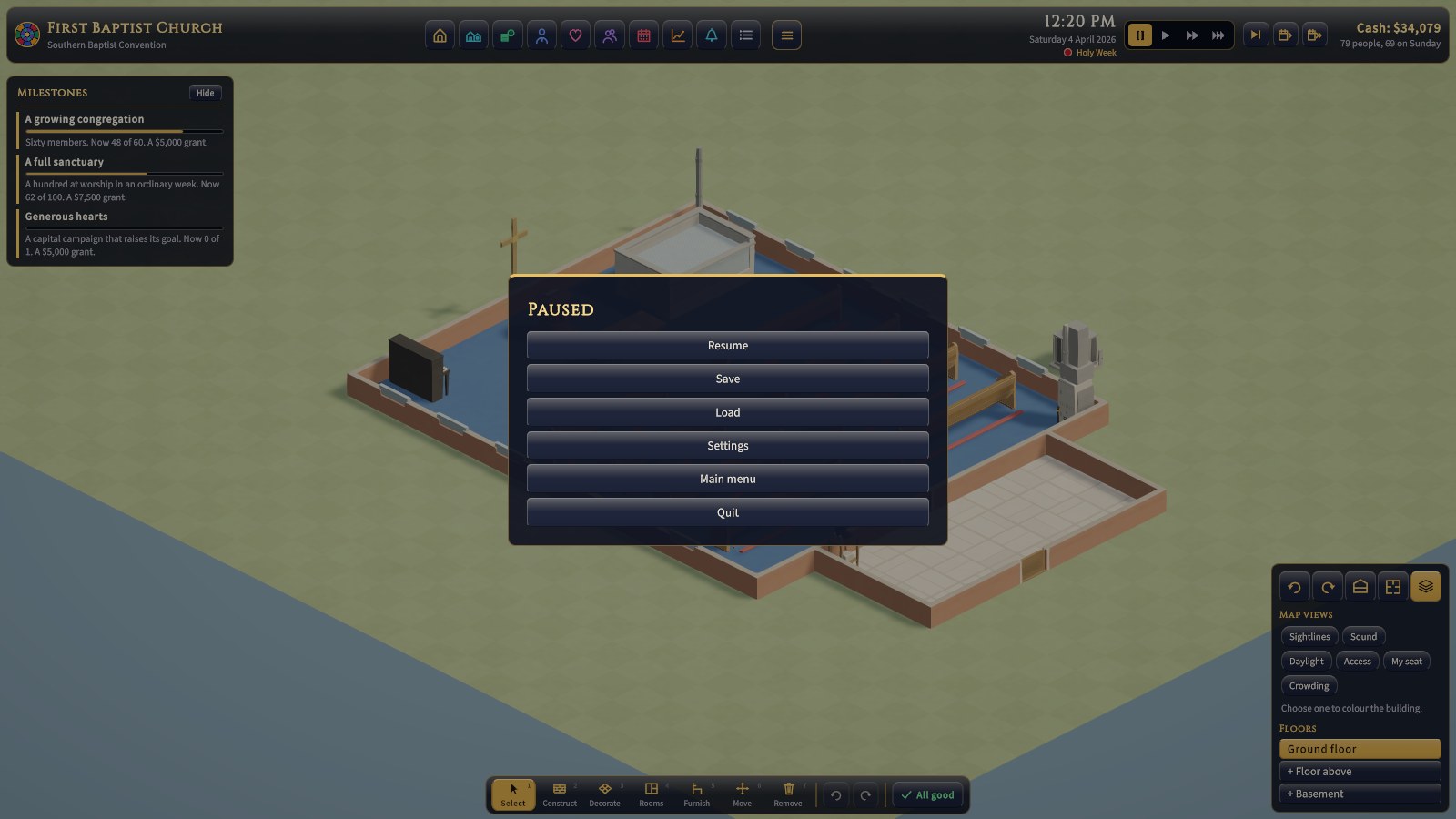
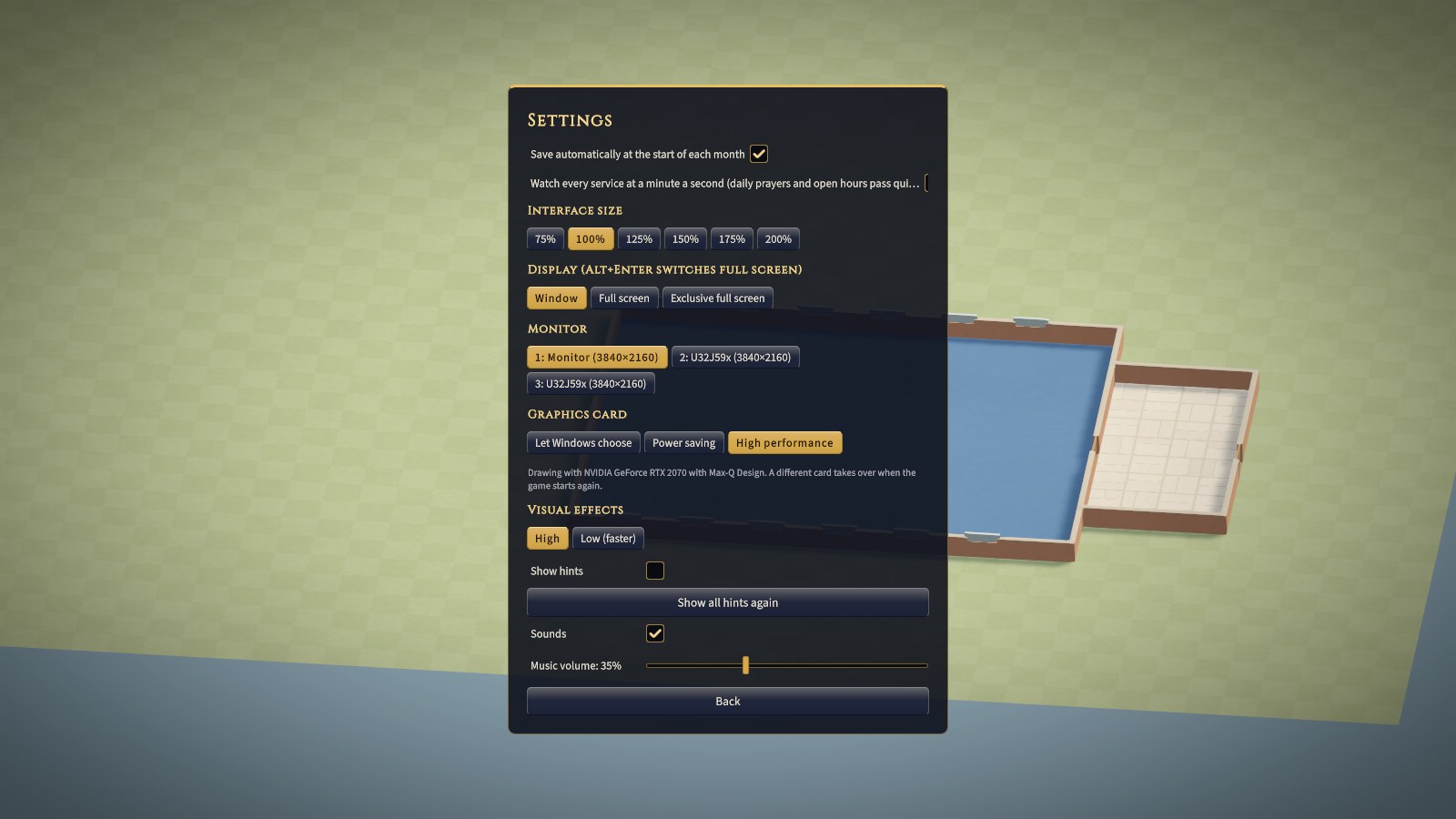
- Saves go to your own data folder, each with a picture of the building. A save that's been damaged or edited won't load, and the Load screen says so. With autosave on, the game also saves at the start of each month.
- Interface size scales every panel. The interface also scales with the window, which you can resize.
- Visual effects: High draws soft shadows, shading in corners and under furniture, a little glow on candles and windows, and smooth edges. Low (faster) keeps hard shadows and drops the rest, for older computers; the game picks it at first on a computer with little graphics memory.
- Watch every service slows the clock for the short daily services as well as the main ones (see How time passes). It's kept with your settings, not with the save.
- Music volume sets how loud the background music plays; slide it right down to turn the music off.
- Hints are first-time tips that appear as you meet each part of the game. Turn them off, or use Show all hints again to start over.
Your first week: a checklist
Whatever synagogue, mosque, temple, gurdwara, shrine, or church you start with, these are almost always right. The game starts paused, so take your time.
- Read the building check. Every required item or room that's missing (and every forbidden one present) costs everyone 0.08 satisfaction after every service. Many are cheap: a shoe rack ($500) at a mosque, temple, gurdwara, or Jain center, head scarves at a gurdwara's door ($250), floor sheets ($300) or a row of prayer carpet ($900), a pulpit or a font in a church. Others are the heart of the place and cost what they cost (an ark and a Torah scroll, a palki, a murti shrine, a kami altar), but they're the first thing to buy: see Faiths and traditions for what each faith's front needs.
- Open Finances → Overview. Read the warnings and what's due on the 1st. If next month would overdraw you, act now.
- Set a maintenance budget (Finances → Budget). Even $200 to $300 a month keeps a small building's systems from failing.
- Set the endowment drawdown to 4 to 5%. The endowment earns about 6% a year, so anything up to about 5% is sustainable.
- Recruit volunteers: at least two greeters, two ushers, and two nursery workers; and where the tradition serves a free meal (a gurdwara's langar, a Jain center's Swamivatsalya, BAPS's Mahaprasad, ISKCON's Sunday Feast), cooks, one for every 40 who eat. They're free, and greeters alone can turn a visitor's first visit around.
- Check access (Church → Church). Is there a step-free way in? Is there a hearing loop?
- Let a main service run, then open Last service and click a few people to see what they felt. At a shrine or a folk temple, which hold no main service, let a day of open hours run and click a few of the visitors instead.
The next chapter explains why each of these matters.